| 1 | Confirm voltage and connector compatibility | Match the UPS output voltage, polarity, plug size, and connector type with the router and any connected optical network terminal. | Check: The router label or power adapter should show the required DC voltage and current. The UPS output must not exceed the equipment's permitted voltage. | A mismatched voltage or polarity can prevent operation or permanently damage networking equipment. |
| 2 | Evaluate power capacity | Choose a unit with sufficient output current and wattage for the total connected load. | Add the rated wattage of all connected devices, then select a UPS with practical headroom; a load around 70% or less of the rated output helps accommodate startup variation and aging. | Operating too close to the limit can cause shutdowns, overheating, or reduced backup performance. |
| 3 | Verify battery chemistry and quality | Prefer clearly specified rechargeable cells from a reputable supply chain, with documented capacity and a defined replacement process. | Lithium-ion cells generally offer lower weight and higher energy density than sealed lead-acid batteries. Battery capacity should be stated in watt-hours or accompanied by voltage and amp-hour values. | Battery chemistry, cell quality, temperature, charging method, and load all affect usable runtime and service life. |
| 4 | Check safety and protection features | Look for overcharge, over-discharge, overcurrent, short-circuit, over-temperature, and surge or input-voltage protection. | Prefer: A documented battery management system for lithium batteries and clear electrical safety or conformity information applicable to the sales region. | Protection circuits reduce the risk of battery damage, abnormal heating, equipment faults, and unsafe operating conditions. |
| 5 | Assess transfer behavior and charging performance | The router should remain powered when the mains supply fails and when power returns. | Look for stated transfer behavior, automatic restart, pass-through charging, and charging-time information. Test the unit with the actual router because real performance varies by load. | A brief interruption or failed restart can disconnect internet service even when the battery still has energy. |
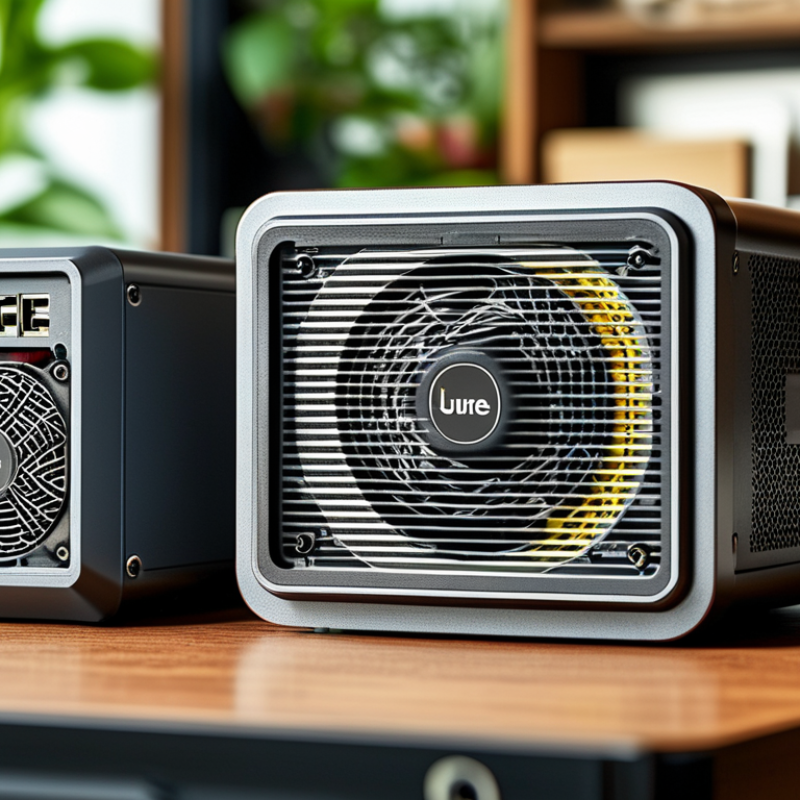
| 6 | Inspect build design and thermal management | Select a compact enclosure with secure connectors, ventilation, stable placement, and materials suitable for continuous indoor use. | Avoid: Blocking ventilation openings or placing the UPS in direct sunlight, near heaters, or inside an enclosed cabinet. Keep cables strain-free. | Heat accelerates battery aging, while weak connectors and poor cable management can cause intermittent power loss. |
| 7 | Estimate runtime and maintenance needs | Compare expected runtime at the router's measured load, not only the advertised maximum capacity. | A basic estimate is runtime in hours ≈ battery watt-hours × efficiency ÷ load watts. Actual runtime is lower because of conversion losses, battery condition, and protection cutoffs. | Realistic runtime expectations help determine whether the UPS can cover short outages and allow time for a safe shutdown during longer outages. |